










The Wasafi Bet mobile app brings the full betting experience to your phone, without opening a browser tab every time. Whether you are placing a pre-match bet on the Premier League, spinning slots during a lunch break, or checking your bet history on the move, the app keeps everything close at hand. For most players in Tanzania, mobile is the main way to bet - and a dedicated app usually responds faster, handles unstable data better, and keeps you signed in on your own device, so you spend less time waiting and more time betting.
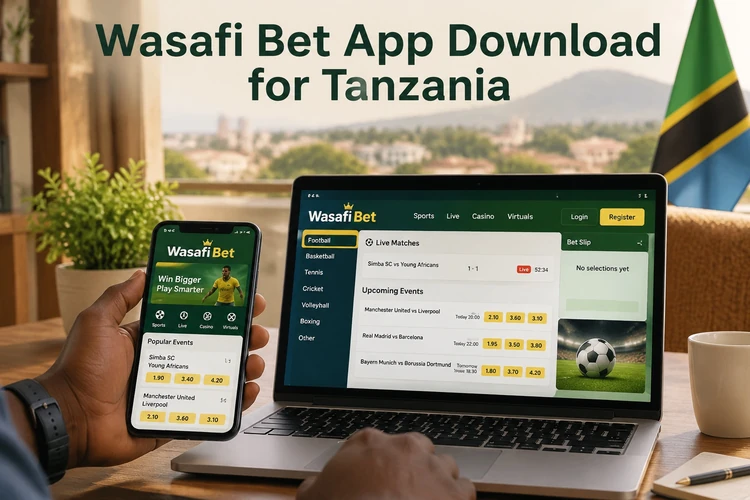
The difference between the app and the mobile website is mostly about speed and convenience. Both can give you access to the same markets and account features, but the app loads more smoothly on weaker connections and makes repeated visits feel quicker. It also supports notifications, so you can receive updates about odds movements, deposit confirmations, or settled bets without checking the site constantly.
Why Use the Wasafi Bet Mobile App
Speed is the first reason many users prefer it. A dedicated app usually opens faster than a browser page, and the layout is easier to move through with one hand. That matters in Tanzania, where network quality can change from one area to another. Live betting benefits most from this setup - when odds move quickly, a simpler interface helps you react without extra taps.
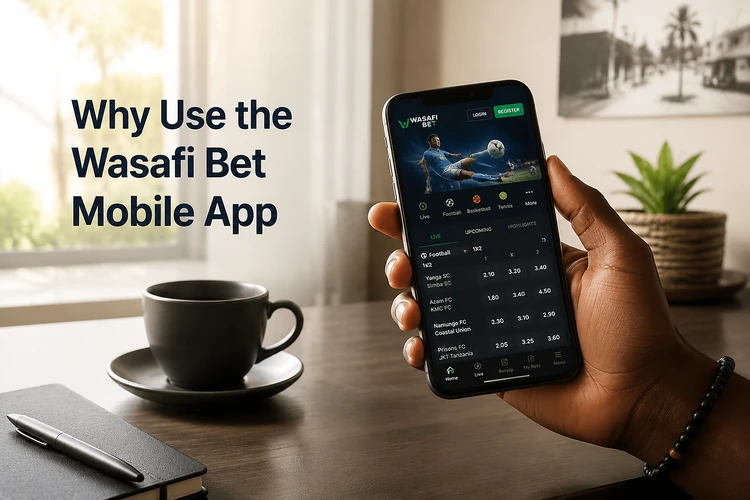
Beyond speed, the app gives you a more direct account experience. You can move from sports betting to casino games, check balances, review recent activity, and open the menu without hunting through browser tabs. Notifications help with timing, especially if you follow live markets or want to see when a deposit or withdrawal status changes. On a busy day, that kind of shortcut is often the biggest benefit.
How to Download Wasafi Bet App
The safest way to get the file is from the official website at wasafibets-tz.com. Open the app page, tap the download button, and save the APK to your phone. Avoid random APK sites and social media links. Files from unknown sources can be edited, broken, or bundled with unwanted software. Before you install anything, check the file name, version information, and download date so you know you have the current build.
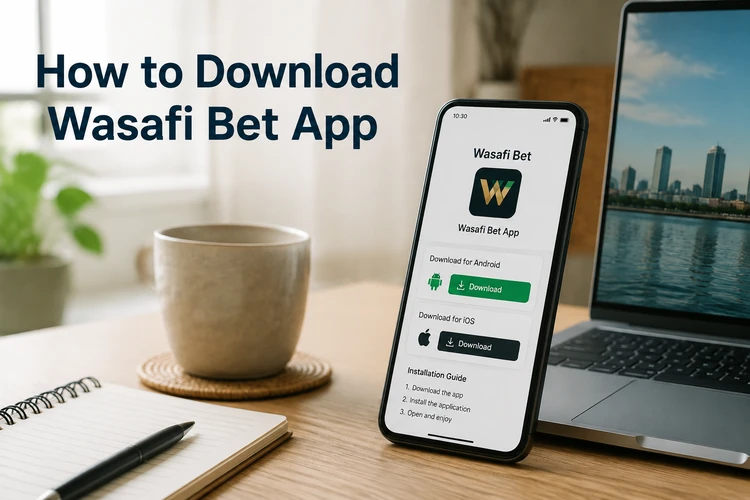
The download itself is free, and you do not need to complete registration before getting the file. That said, you will need an account before you can place bets or use wallet features. If you are checking compatibility, use the official page rather than relying on a reposted file, because the website is the best place to confirm whether a new update has replaced the older package.
Installing the App on Android
Android blocks APK files from outside the Play Store by default, so you need to allow installation from unknown sources before the file will run. The menu name can vary a little by phone brand, but the setting is usually under Security, Privacy, or Apps. Once that is enabled, tap the APK and follow the installer prompts. The process is short, but it helps to keep the screen unlocked until it finishes.
- Step 1: Download the APK from wasafibets-tz.com.
- Step 2: Open your phone's Settings and allow installation from unknown sources.
- Step 3: Find the downloaded file in your Downloads folder and tap it.
- Step 4: Tap Install when the prompt appears and wait for the setup to complete.
- Step 5: Open the app and log in to your account to continue.
If an older version is already on your phone, the new APK may replace it automatically. If the installer refuses to continue, uninstall the old version first and then install the fresh file. Problems also appear when storage is almost full or the download was interrupted, so it is worth checking both before trying again. After a major update, restarting the phone can also clear minor installation glitches.
Using Wasafi Bet on iPhone
Apple devices do not install Android APK files, so there is no separate iPhone app to sideload. The practical option is the mobile site, which opens in Safari and adjusts to the screen size of the device. For day-to-day use, that is usually enough for browsing markets, checking your balance, and making account changes.
If you want quicker access, add the site to your home screen from Safari. Tap the share icon and choose Add to Home Screen. The shortcut opens the site in a cleaner view and feels closer to an app, even though it still runs in the browser. That setup is useful if you check your account often and do not want to type the address every time.
Key Features Inside the App
The sports betting area covers football, basketball, rugby, tennis, and other common markets. You can place pre-match bets, follow live betting, and move between competitions without leaving the app. For football fans, this is the section you will use most often, especially during busy weekends when fixtures overlap and odds move fast.
The casino section gives you access to slots, table games, and live casino rooms with real dealers. From the same menu, you can open deposits and withdrawals, review your bet history, and adjust account settings. If you want to manage your bankroll, the app also keeps recent transactions easy to find, which helps when you need to confirm a payment or check whether a bet has settled.
APK Version Explained
APK stands for Android Package Kit. It is the file format Android uses to install apps outside an app store. In practical terms, it is the installer you download, open, and run on your phone. For many Tanzania users, that makes APK the quickest way to get a fresh build when the official website publishes one before any store listing changes.
The main benefit is control: you can install the file directly and usually get the newest version first. The downside is that you must trust the source. That is why the official download page matters so much. A safe APK should come from the same site every time, and a good habit is to compare the version shown on the page with the one already on your phone before replacing anything.
Common Installation Problems
If the APK will not open, the download may have stopped halfway. Delete the file and download it again on a stable connection. If Android shows a parse error, the file is usually damaged or the device is too old for the build. A quick check of your phone's Android version can save time before you try another install.
When the device says there is not enough space, remove unused apps, clear temporary files, or move photos and videos to storage before trying again. If the app installs but does not launch, restart the phone first. A fresh reboot clears many first-run problems, especially after a new update. If the issue continues, uninstall the app, download the APK again from the official site, and install it from scratch.
Security Recommendations
Only download the app from the official website. That is the simplest way to avoid altered files and unsafe mirrors. Once you are inside the app, use a strong password that is unique to your betting account, and lock your phone with a PIN, fingerprint, or face unlock so other people cannot open it casually. If you share a device, log out after each session.
Keep the app updated whenever a new version appears. Updates often include fixes that protect your account and improve stability on newer phones. Using the latest build also reduces the chance of login problems after an account change or a payment update. If you want to manage limits or read more about safer play, the responsible gambling page explains the available tools. If anything looks wrong with your account, contact support through the contact page right away. Players must be 18+ to register and use the platform.
FAQ
Yes, the APK is free to download from the official website. You only pay when you make a deposit to fund your betting account, which is separate from the file itself.
The app supports Android 6.0 and above. If you are unsure about your phone, check the Android version in Settings under About Phone before trying the install.
Android restricts apps from outside the Play Store by default. Go to Settings, then Security or Privacy, and allow installation from unknown sources. After the app is installed, you can switch that setting off again if you prefer.
There is no separate iPhone app at the moment. iPhone users can still use the mobile site in Safari and add a home screen shortcut for faster access.
Download the latest APK from the official website and install it over the current version. If the new file does not install cleanly, remove the older app first and then try again with the fresh download.
Restart your phone first, since that often fixes first-run issues. If the crash continues, uninstall the app, download the APK again from the official site, and make sure you have enough free storage before reinstalling.